
minecraft getsockopt error
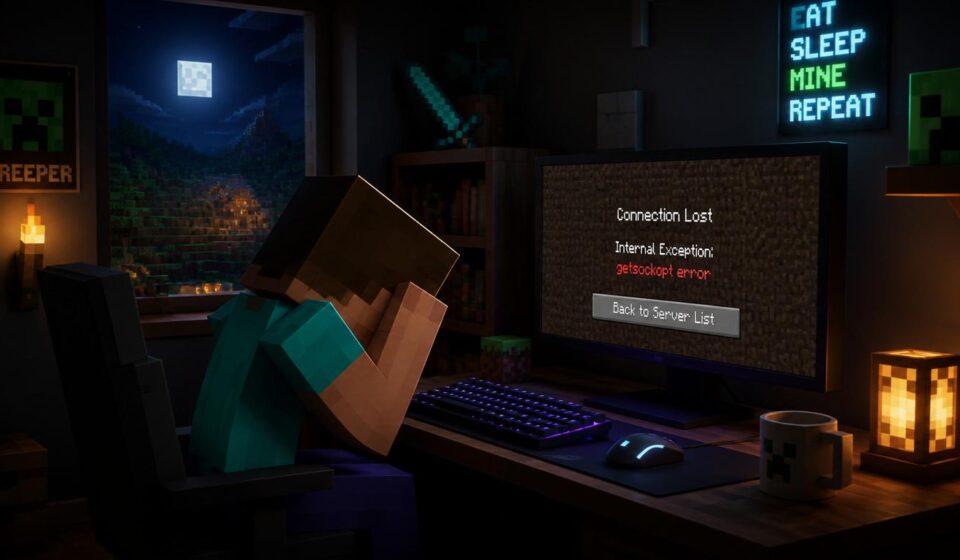
The Minecraft getsockopt problem is one of those nasty connection problems that may soon stop you from connecting to any multiplayer server. This is something I see a lot when helping individuals and small groups in Minecraft and the first reaction is usually confusion since the game doesn’t do a great job of telling you what went wrong. It only shows failure connection message and everything seems strange.
This problem only means that your Minecraft is not able to make a proper connection between your game and the server. This may seem like a complex technological problem but it’s generally due to minor faults in network, version or system settings. Once you figure out what it does changing it is rather simple without having to reload the game or do anything drastic.
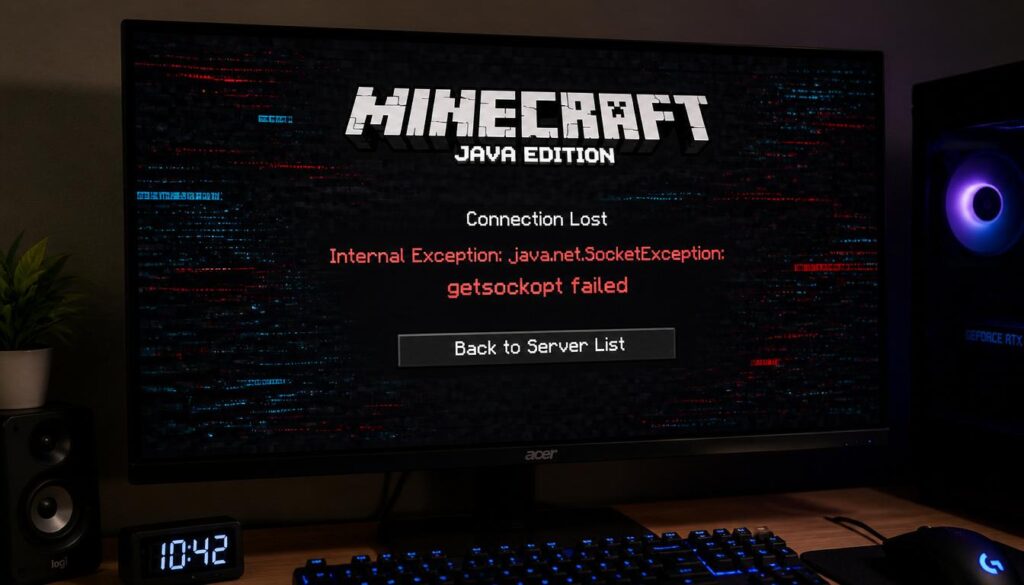
What is the Minecraft Getsockopt Error?
The getsockopt error is just a network socket failure, which happens when Minecraft is attempting to connect to the server but is unable to complete the connection process. Imagine your game trying to connect to a server but the connection request never actually makes it to the server, or the server doesn’t respond in time. This issue usually comes with other common Minecraft network issues including connection denied errors, java.net.ConnectException, internal connection reset failures or simply “failed to connect to server” messages.
Players may also encounter warnings like getsockopt failed, connection timed out,” or “io.netty.channel issues. All of these problems, however expressed differently, indicate the same cause: a broken or interrupted connection between Minecraft and the server. This issue is most common among Minecraft Java Edition players, especially those on public servers, modded servers, or unreliable networks.
What Is the Getsockopt Error in Minecraft?
There is no single cause to this problem, which is why many players become confused. There are a lot of minor issues that may go into this and any little misconfiguration can break the connection. One of the most common reasons is a bad or unstable internet connection. Minecraft needs a persistent connection to interact with the server and even little increases or decreases in latency might break the socket connection.
Another typical issue is incorrect server IP address or port number. If one number is wrong, Minecraft will not be able to locate the server properly. Also, firewall and antivirus software may silently block Java or Minecraft network access that may be preventing the game from connecting. Similarly, router settings or public Wi-Fi networks could block gaming ports, leading multiplayer connections to be inconsistent or entirely prevented.
Another important reason is version mismatch. If the server you are connecting to is running a different version of Minecraft than your client, the connection will fail instantly. potentially, mods and plugins may potentially bring issues, especially if they are outdated or incompatible with the server. Finally, DNS difficulties may interfere with how Minecraft collects server addresses, which can cause connection failures before the game ever tries to connect.
When does this error normally occur?
This is a common problem in real gaming environments, for example when players are trying to connect to multiplayer servers, like Hypixel or smaller community servers, but they are kicked immediately. This may also happen when you’re trying to use LAN multiplayer and two devices on the same network can’t find one another. Another common culprit is modified servers, especially if the Forge or Fabric mods are misaligned between client and server.
VPN routing may also cause issues for certain players, interfering with their ability to connect to servers. This issue may also occur in a mobile hotspot internet, because of inconsistent packet transmission or network switching.
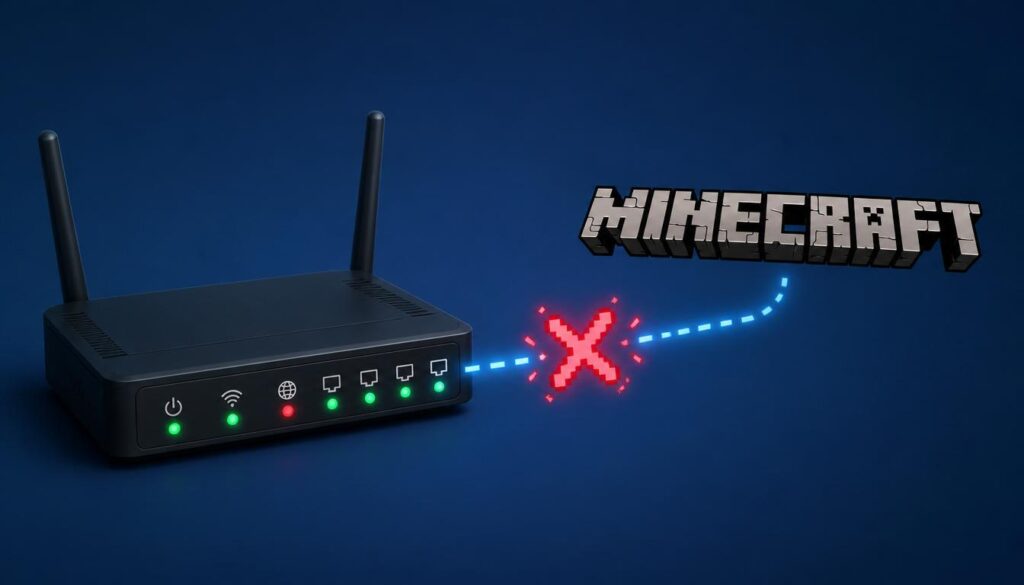
Basic Fixes for Minecraft Getsockopt Error
The good news is that most getsockopt problems can be fixed using basic processes, even if you are not technically inclined. The first and easiest step? All reset. Turn off Minecraft. Restart your router and Internet connection. Restart your PC. This helps resolve short-term network failures that tend to lead to connection difficulties.
Then check your server address again. If you make a little typo in the IP or port it will fail to connect entirely. Now attempt to join a another server. Check whether the issue is on the server side or on your game side. urning down your VPN is also very important in many cases as it may often alter your network routing and stop or slow down your connection to Minecraft. Also, check your Windows Firewall settings to ensure you have Minecraft Launcher and Java (javaw.exe) enabled on private and public networks.
Fix DNS and Network Settings
If it continues doing that, there may be a problem with the DNS settings. Usually changing up your DNS to google DNS ( 8.8.8.8 and 8.8.4.4 ) helps in fixing connection issues , since it improves how your system detects and connects to services . Remember to reset your PC after changing DNS settings so that the changes are properly implemented.
Version and Router Issues
Minecraft Java Edition uses port 25565 to connect to other players via multiplayer, if your router blocks this port the connection will fail. Usually this may be fixed by restarting the router or turning on the UPnP settings. If you are hosting a server you may also need to manually forward port 25565.
Another common and silent issue is version mismatch. The version of your minecraft must match the version of the server exactly, else the game won’t let you join.
Mod issues
Mods are big too . Due to getsockopt issues . Even a single outdated or incompatible mod might break the connection if you’re using Forge or Fabric. The best way to test this is to remove all mods and then try to join the server. If it works put changes back one by one to find the trouble mod.
Advanced Repairs
If nothing else works you may reset your network settings from the command line by using tools like flush DNS, reset Winsock, etc . You will also need to update Java, since it is used by Minecraft to connect to the network. Sometimes it is also required to check the system hosts file, as virus or old entries might block access to the server without your knowledge.
Final thoughts
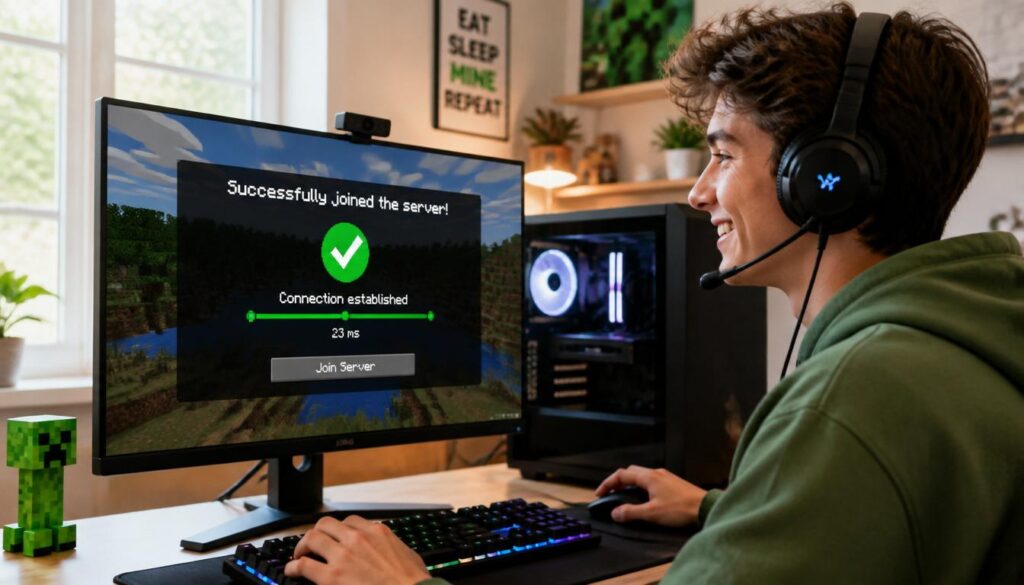
TThe Minecraft getockopt issue appears like a big problem at first sight, but it’s usually due to small networking or setup issues in reality. Most of the time the problem is caused by inconsistent internet, firewall constraints, version mismatches or improper DNS settings. After fixing these issues, you will never see the error again and Minecraft multiplayer will start working correctly again. In most cases you don’t need to reinstall the game. Typically this may be resolved with a correct network configuration and settings.
FAQs
Why does Minecraft say getsockopt failed?
It means the connection between your PC and server failed during socket setup.
Is this a Minecraft bug?
No. It is mostly a network or configuration issue.
Can VPN cause this error?
Yes. VPN often breaks server routing.
Does reinstalling Minecraft help?
Rarely. Only helps if game files are broken.
Why does only one server show an error?
That server may be offline or blocking your IP.